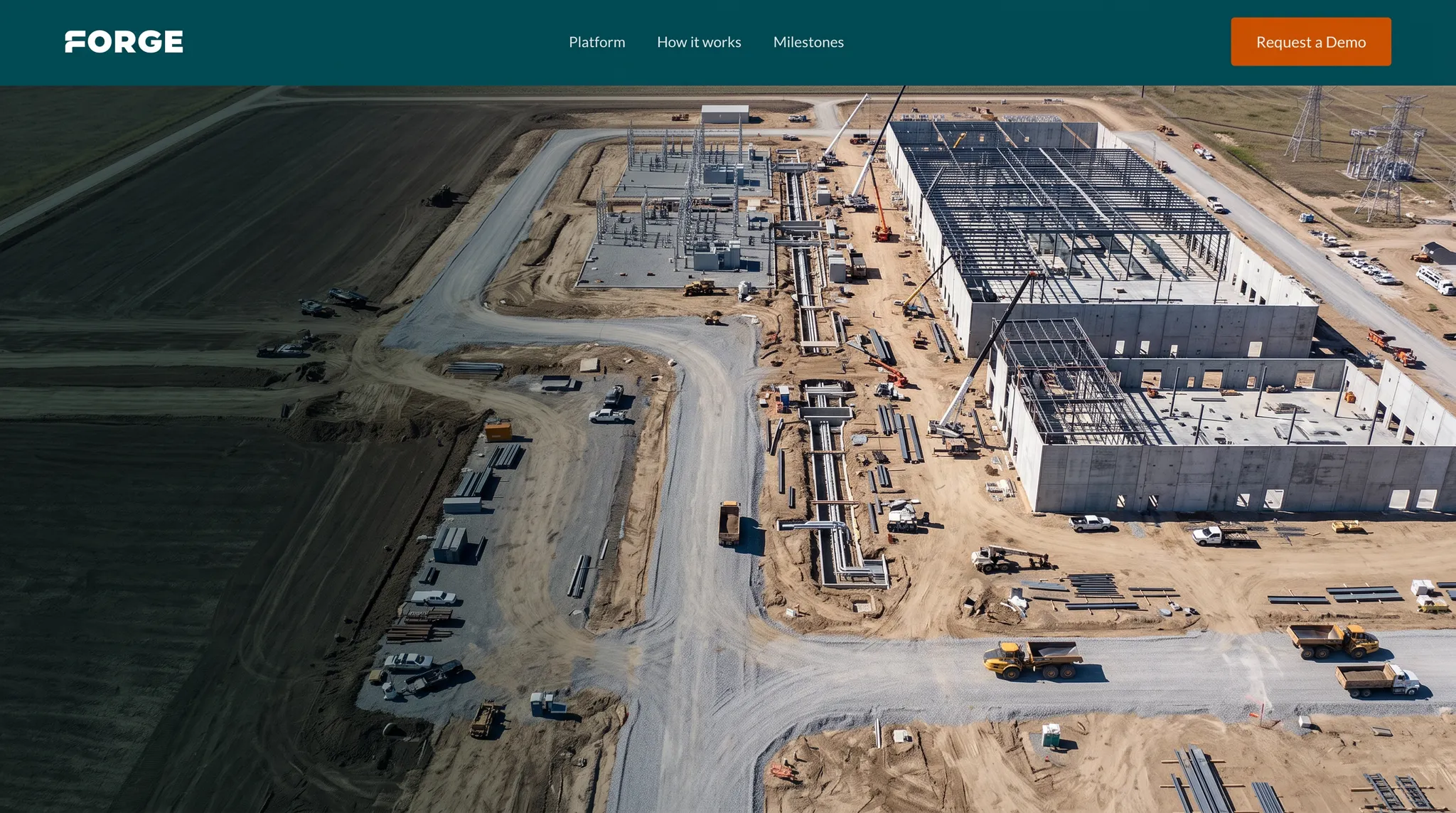
Your schedule already has the answers. Your team can't get to them.
Forge ingests the Primavera schedule you already publish and turns it into live status every team can read, explore, and update, without opening the schedule, building a dashboard, or sitting through another update meeting.
- 3+GW
- Billionsin active project budget
- 8+buildings
- 4+campuses
The schedule is the most valuable asset on the program. It's also the least accessible.
Power BI only answers the questions you built it to answer.
Schedule data isn't tabular, it's logic, hierarchy, and float. Flattening it into a data model means every new question is a new build. What you needed wasn't a dashboard. It was the ability to ask.
Only a few people can safely open the file.
Everyone else waits on a scheduler, works from a PDF that's a week old, or clicks through it themselves and hopes they didn't reschedule anything.
The meeting is spent collecting status.
Twenty people on a call for the ten minutes that concern them, and it still doesn't cover every activity. Nobody is arguing about the meeting. They're arguing that the hour goes to gathering dates instead of deciding what to do about them.
Every question is a request.
Seeing the schedule a different way means asking someone to build it, then waiting on them. So most questions never get asked at all. Not because they don't matter, but because they don't feel worth someone else's week.
None of this is a scheduling problem. It's an access problem, and it's why most programs run on a version of the truth that's already two weeks old.
Every activity. Every project. Every program.
Forge ingests the schedule your program already publishes and maintains a read-only model of it that anyone can use.
Roll up to portfolio health for the executive team, or drill into a single activity's predecessors, successors, float, and driving path. Same data, one source, no export.
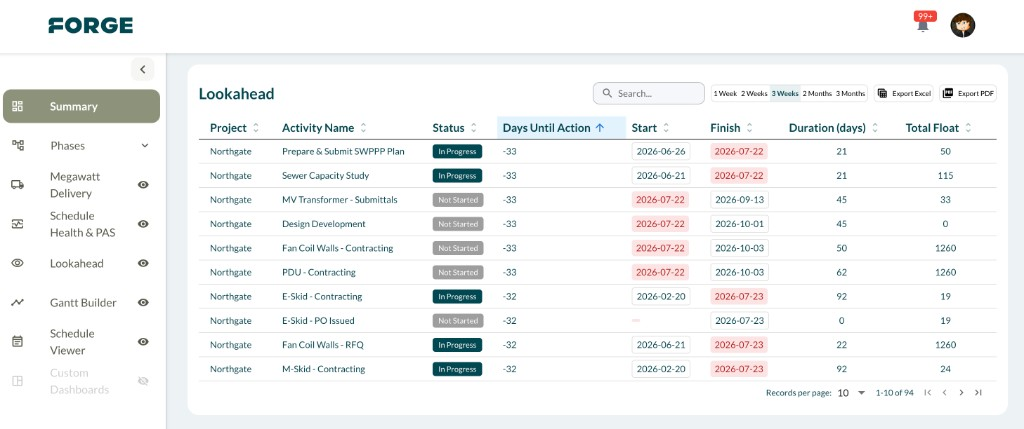
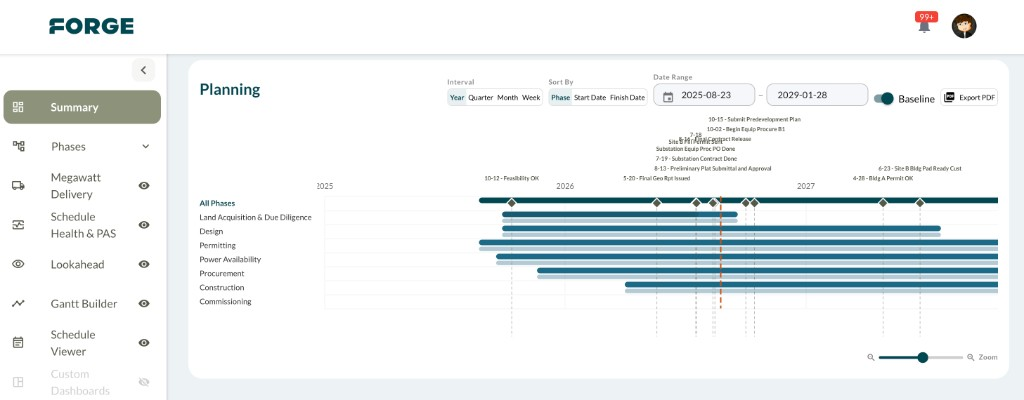
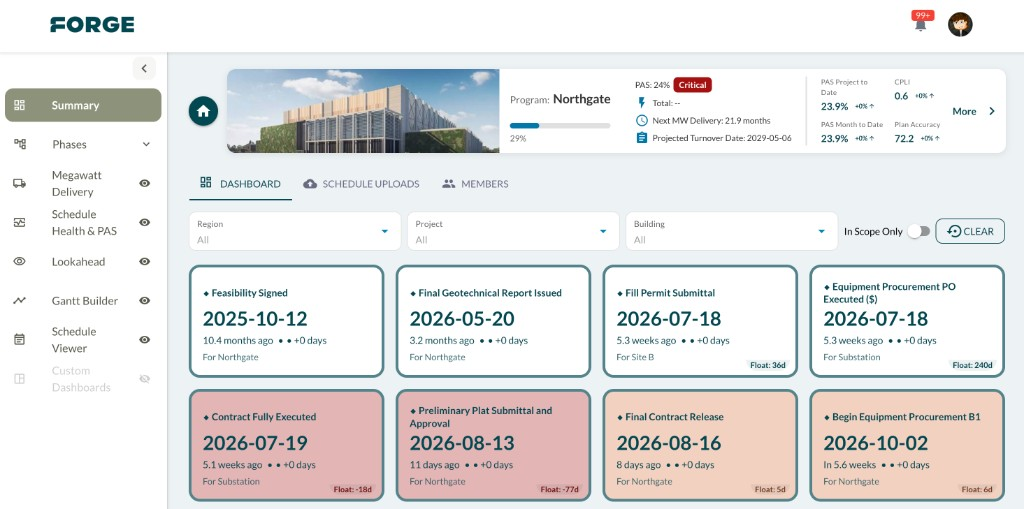
Upload the schedule you already publish.
Every program publishes on a cadence whether weekly, biweekly, or monthly. The file gets dated, shared, and filed. Forge ingests it and rebuilds every view instantly: rollups, lookaheads, Gantts, milestone tracking, health scores. Because it has all the history from every publish, you can see float eroding between updates before it impacts a milestone.
The week of data prep now happens on upload.
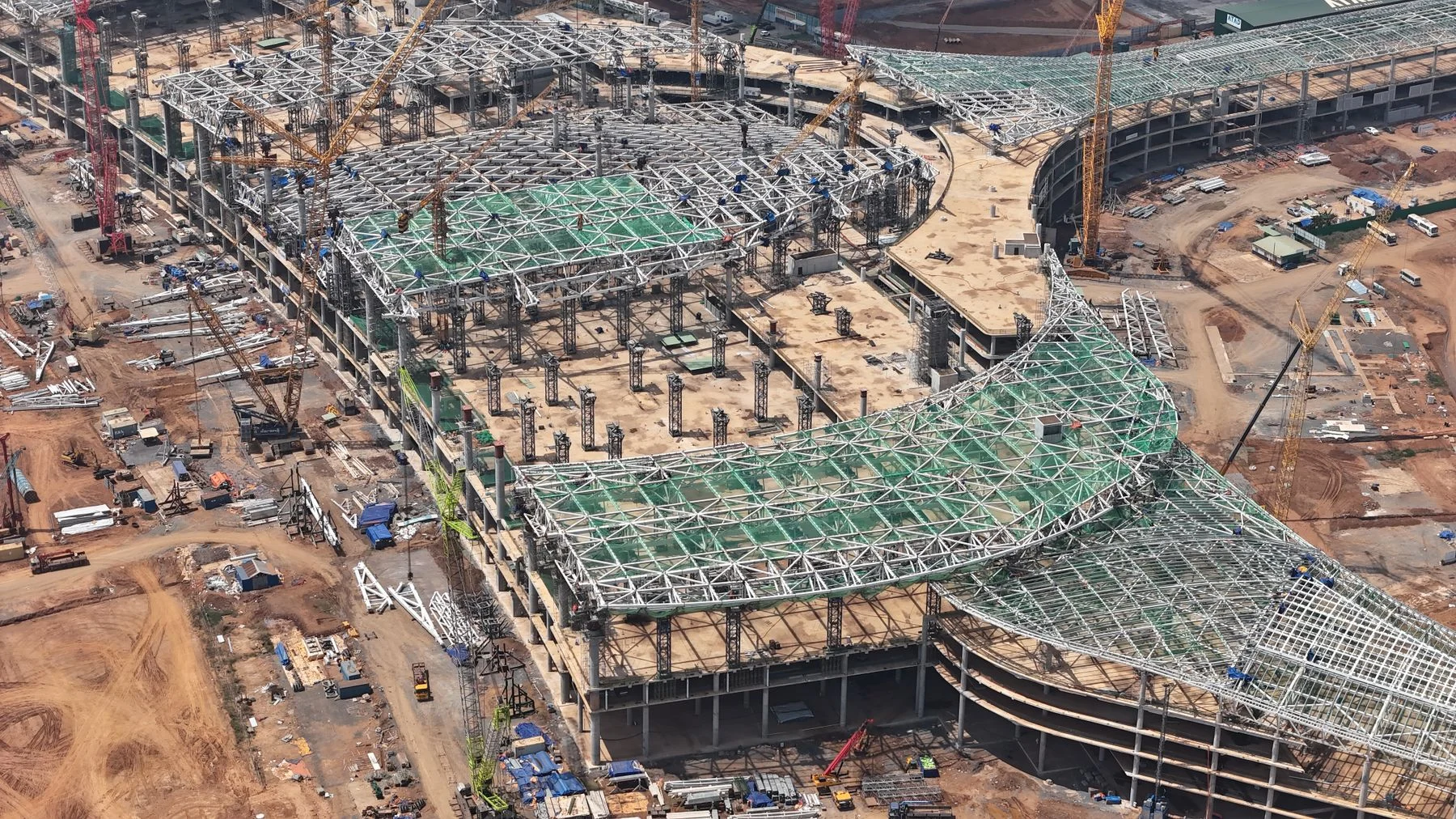
Open the schedule without opening the schedule.
Forge is read-only by design. Anyone on the program can search any activity, trace the critical path, walk predecessors and successors, check float, and see what's actually driving a date. No license to buy. No training. No chance of changing logic by accident.
Comment on any activity, tag whoever needs to see it, leave it open until it's dealt with. Every thread stays attached to the activity it belongs to, and the history stays there after it's resolved, so six months from now you can see when something was first raised, and by whom.
Full visibility. One record of the conversation. Zero write access.
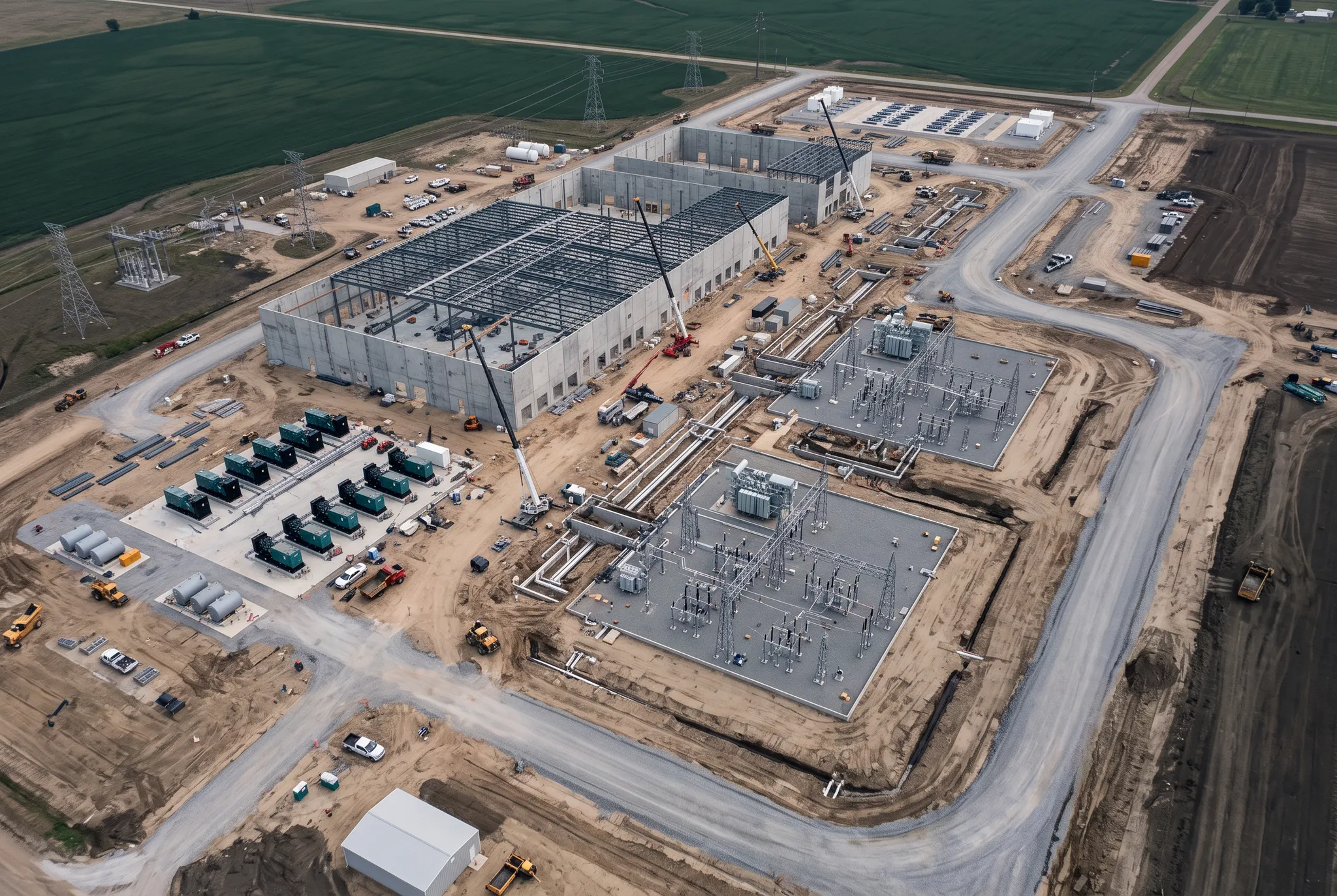
Change what the update meeting is for.
Between publishes, teams comment status directly on the activities they own, inside the phase view they already work in. Forge collects every comment and hands the scheduler a structured, attributable set of updates to work from.
Forge never writes to your schedule. The scheduler stays in control of the file and applies what they judge to be correct. What changes is the meeting: instead of going around the room for status anyone could have read, you're chasing the few people still outstanding and working the risks that surfaced since the last publish.
Walk into the update meeting with the updates already in hand.
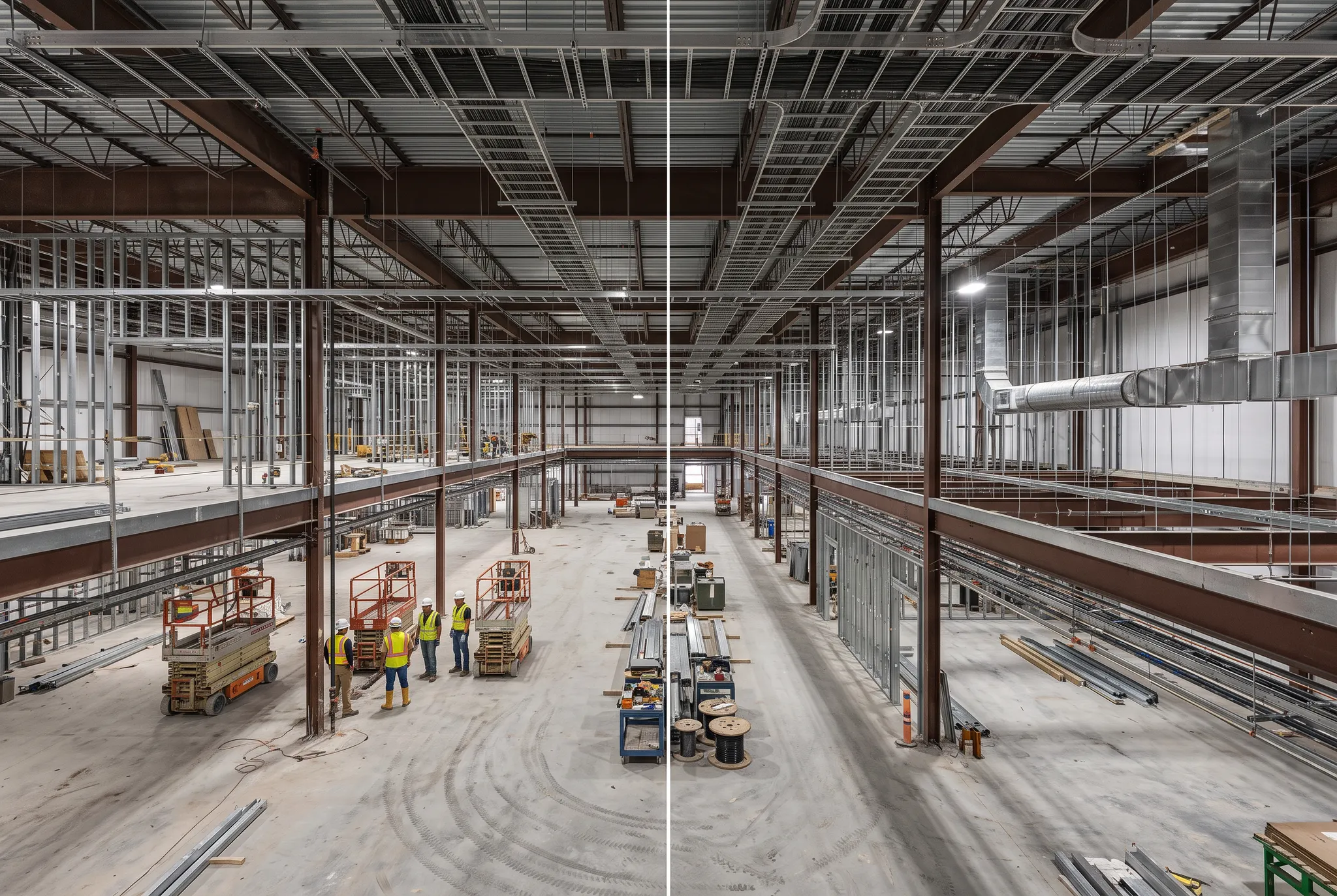
A view for the phase you're accountable for.
Forge categorizes your schedule into easy verticals. Each view carries the activities, milestones, and dates that belong to that phase, and nothing else. The permitting lead doesn't scroll past commissioning. The commissioning lead doesn't scroll past land.
Need a different cut? Build it yourself. Group by project, building, equipment, phase, or status. Save it. Share it.
No dashboarding skills required. No ticket to IT.
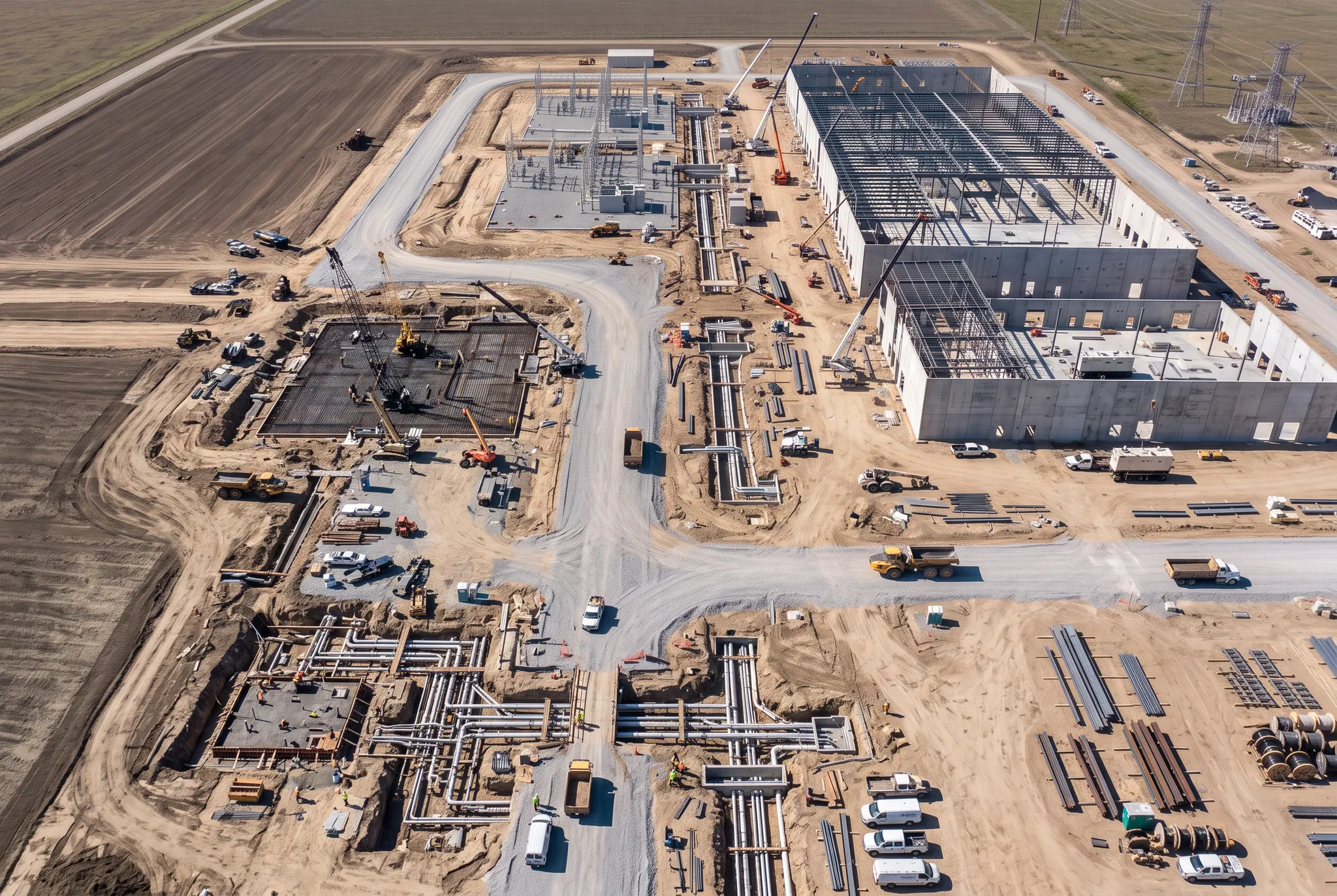
Every publish is kept. So you can see what moved.
Forge retains every schedule you upload. That means it can show change between them. Which activities slipped, which milestones drifted, when the critical path shifted, and what the logic looked like the week before it changed.
One schedule tells you where the program stands. The full set tells you where it's heading, and when it started heading there.
A single publish is a snapshot. The series is the story.
Every scheduler runs DCMA-14. It tells you the schedule was built correctly. It doesn't tell you whether to believe it.
Forge runs the industry-standard checks and shows them the way you'd expect. Table stakes. Then we go further.
The scores our scheduling team thinks matter more.
A schedule can pass every DCMA check and still be wrong. Clean logic on a plan nobody is statusing honestly is a well-built fiction.
Most of these scores can't be calculated from a single file. Erosion, stability, discipline, realism. They're measurements of change. They exist because Forge keeps every publish you've ever uploaded.
What's in the platform.
Every program in one view
Track every program and project in one view: % complete, health score, total MW, next delivery.
MW delivered vs. committed
Days to next delivery, MW delivered vs. total, RFS breakdowns by building or data hall.
Schedule health, scored automatically
DCMA-standard diagnostics plus Forge's own credibility, stability, and realism scores.
Lookaheads that build themselves
A 1-week to 3-month lookahead of upcoming activities, exportable to Excel or PDF.
Gantts anyone can build
Grouped by project, building, equipment, phase, or status, with baseline comparison and risk coloring.
Milestones tracked the same way on every project
Land Acquisition through Commissioning, tracked consistently across every program.
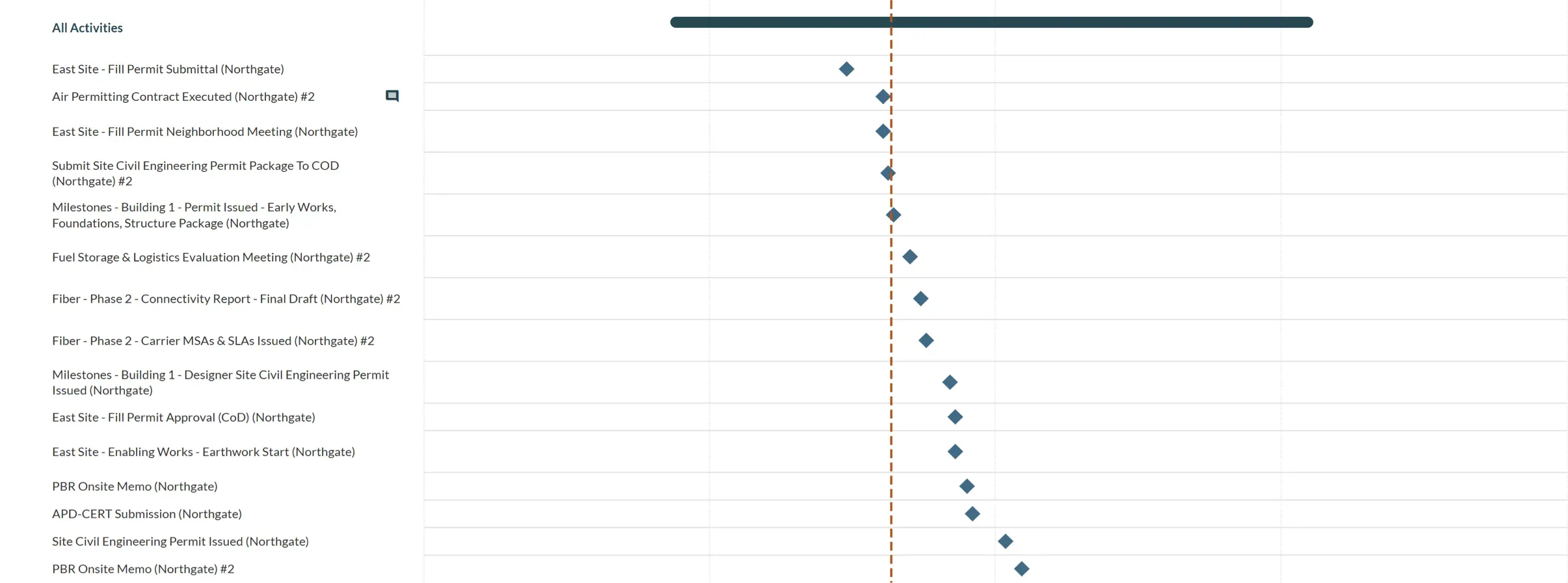
Track every milestone against plan.
See permitting, construction, and commissioning milestones plotted against your baseline schedule, with drift flagged the moment it happens. The same milestone set on every project, so a program roll-up actually means something.
Forge doesn't connect live to P6 or OPC. On purpose.
Your published schedule is the contemporaneous record of the program. It's the version that gets referenced when a delay claim is argued. Forge reads that record and leaves it exactly as it was filed. No write-back, no live sync, no risk that a reporting tool alters the file of account.
Works with what you already use
.xer and .xml from Primavera P6 or Oracle Primavera Cloud. Desktop or cloud. Both supported.
No integration project
No IT engagement, no credentials into your scheduling environment, no security review of a live connection.
The full history, retained
Every publish is kept and comparable, which is what makes trending and credibility scoring possible at all.


Forge is tuned for data centers. Phases of construction, megawatt calculations, metrics, and dashboards. The tuning is what makes it useful on day one.
Stop asking for the schedule. Start understanding it.
See Forge running against a program that looks like yours.